
Claude Code
Handle routine coding tasks, understand complex code, and manage git workflows through natural language with Claude Code.
2.1.316Add to Favorites
Source
Get it from source
Spark does not host a copy of it.
Open sourceReports
Agent outcome reports
No reports yet
Overview
Claude Code is an agentic coding tool that understands your codebase and works through natural language commands. It executes routine tasks, explains complex code, and handles git workflows. Use it when you want coding help from your terminal or IDE, or by tagging @claude on GitHub.
What it does
Claude Code is an agentic coding tool that works in your terminal and understands your codebase. It helps with routine development tasks, explains complex code, and handles git workflows through natural language commands.
Inputs and outputs
To begin, navigate to your project directory and run claude.
Integrations
Claude Code can be used in a terminal or IDE. On GitHub, you can tag @claude. Anthropic maintains official Claude Code plugins in claude-plugins-official.
Getting started
For macOS and Linux, the recommended installation command is:
curl -fsSL https://claude.ai/install.sh | bash
For Homebrew installation on macOS and Linux, use brew install --cask claude-code. On Windows, the recommended PowerShell command is irm https://claude.ai/install.ps1 | iex. The WinGet alternative is winget install Anthropic.ClaudeCode. Installation through npm is deprecated in favor of the recommended methods.
The setup documentation covers additional installation options, steps for uninstalling Claude Code, and help with troubleshooting installation issues. The official documentation provides an overview of Claude Code, and the plugins directory provides more information about plugins.
Feedback and data handling
Use /bug to report issues from within Claude Code, or file a GitHub issue. The Claude Developers Discord provides a place to get help, share feedback, and discuss projects with other developers.
Feedback collection includes usage data such as code acceptance or rejection, associated conversation data, and feedback submitted through /bug. Privacy safeguards include limited retention periods for sensitive information, restricted access to user session data, and policies against using feedback for model training. Data usage policies, Commercial Terms of Service, and the Privacy Policy provide further details.
Source README
Claude Code


Claude Code is an agentic coding tool that lives in your terminal, understands your codebase, and helps you code faster by executing routine tasks, explaining complex code, and handling git workflows -- all through natural language commands. Use it in your terminal, IDE, or tag @claude on Github.
Learn more in the official documentation.
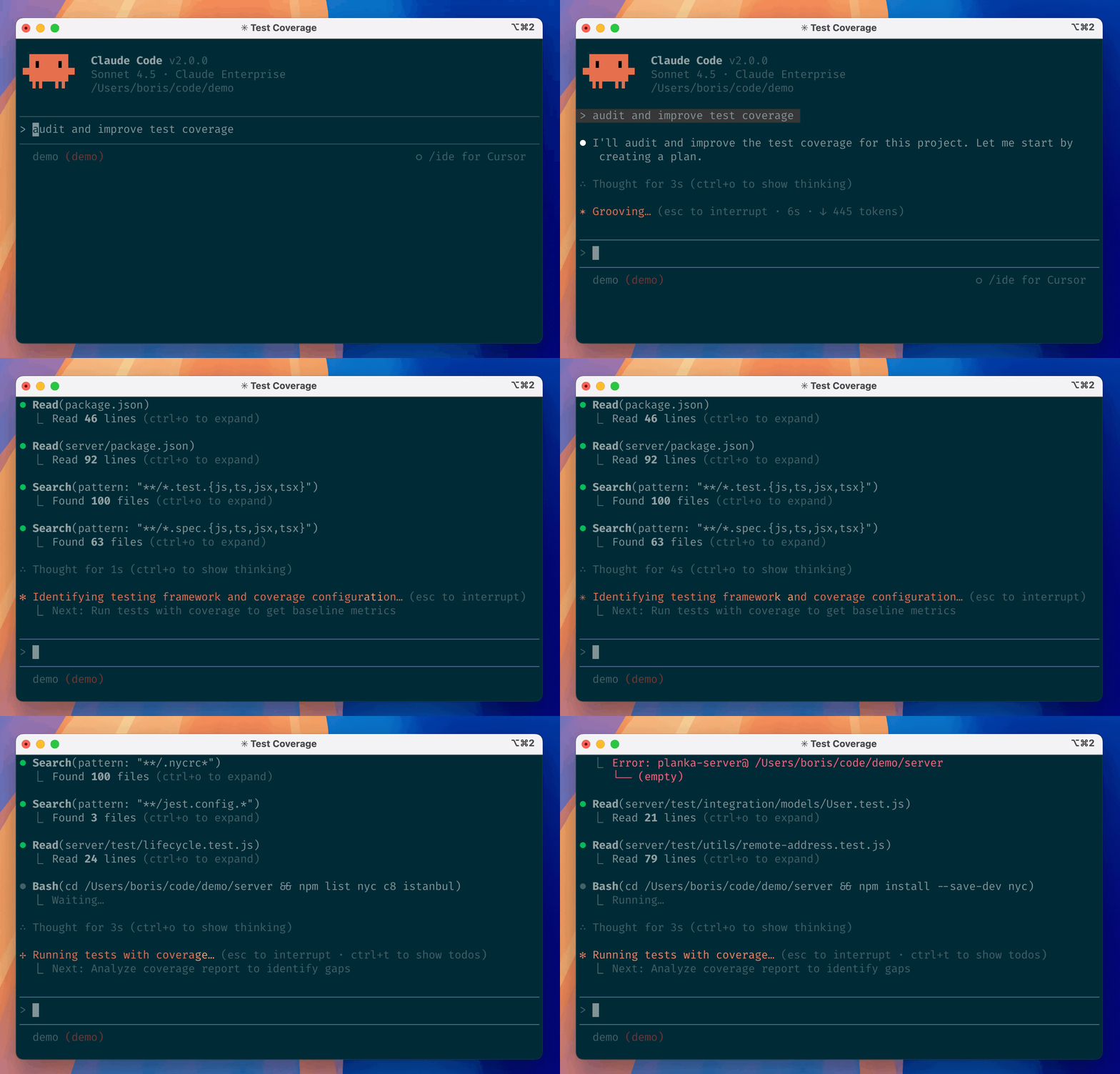
Get started
For more installation options, uninstall steps, and troubleshooting, see the setup documentation.
Install Claude Code:
MacOS/Linux (Recommended):
curl -fsSL https://claude.ai/install.sh | bashHomebrew (MacOS/Linux):
brew install --cask claude-codeWindows (Recommended):
irm https://claude.ai/install.ps1 | iexWinGet (Windows):
winget install Anthropic.ClaudeCodeNPM (Deprecated):
npm install -g @anthropic-ai/claude-codeNavigate to your project directory and run
claude.
Plugins
Anthropic's Claude Code plugins are developed in claude-plugins-official. See the plugins directory for more about plugins.
Reporting Bugs
We welcome your feedback. Use the /bug command to report issues directly within Claude Code, or file a GitHub issue.
Connect on Discord
Join the Claude Developers Discord to connect with other developers using Claude Code. Get help, share feedback, and discuss your projects with the community.
Data collection, usage, and retention
When you use Claude Code, we collect feedback, which includes usage data (such as code acceptance or rejections), associated conversation data, and user feedback submitted via the /bug command.
How we use your data
See our data usage policies.
Discussion
Questions & comments · 0
Sign In Sign in to leave a comment.